A selectable LED panel gives a project team more than one wattage or correlated color temperature (CCT) option within the same fixture model. That flexibility can simplify purchasing across rooms with different lighting needs. The order still needs to specify which settings will be used in each space and how installers will verify them.
Check output at the wattage you plan to use
Ask for delivered lumens at the selected wattage for the exact panel size and configuration in your quote. A headline output figure may refer to the highest setting. If output varies by CCT, ask for the data for your chosen combination. Where a layout has already been calculated, check that its photometric file represents the setting and fixture you intend to order. Confirm ceiling grid dimensions, fixture depth and any dimming or control requirements separately.
Compare color temperature in the room
CCT describes how warm or cool the light appears. Review samples near the wall finishes, work surfaces and existing fixtures that will remain. A color that suits an isolated sample may look out of place next to an existing row. Where rooms share a sightline, compare the proposed settings from the corridor or entrance as well as from a desk. If color rendering or color consistency matters to the project, request those details separately.
Record settings before the first shipment
Approve a sample with its model, driver option, wattage and CCT recorded. Put the intended settings for each room or zone on the fixture schedule and confirm the shipped default and whether the selector remains accessible after mounting. Use the same record when ordering spares or evaluating a substitution. During the first installation, check adjacent panels for a setting mismatch before the crew moves to the next area.
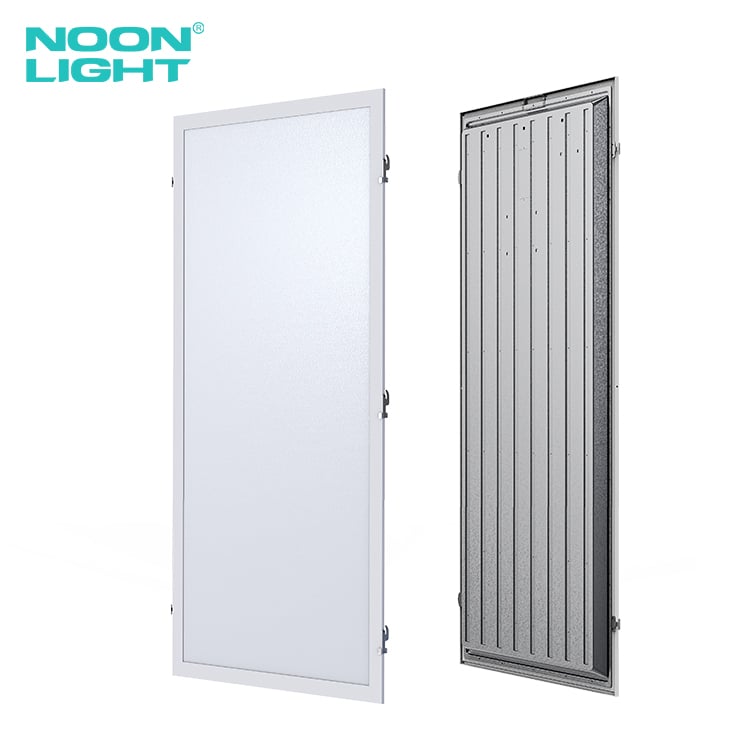
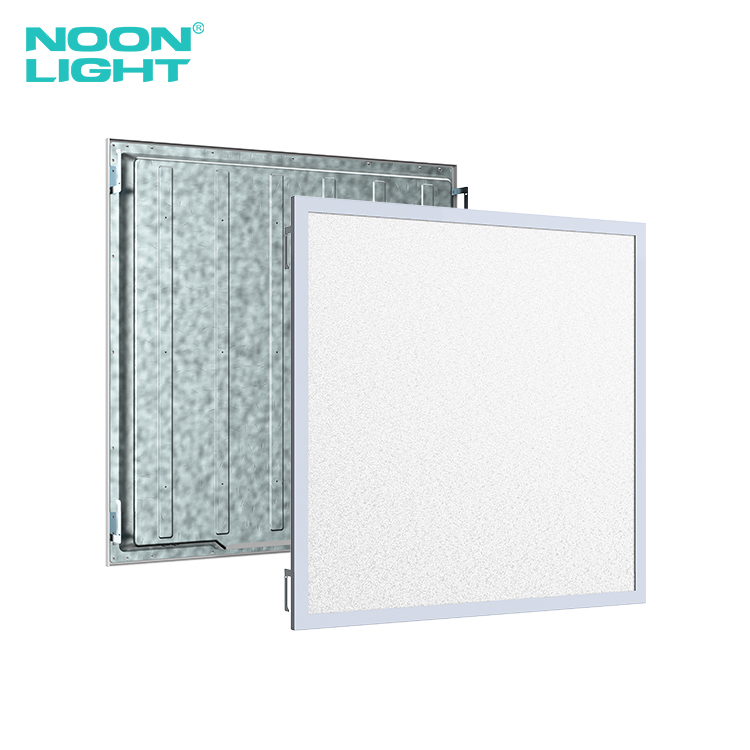
Browse Noon Lighting’s backlit LED panels. When you request a quote, include the ceiling opening, required output and preferred CCT for each fixture type so the proposed configuration can be checked against the schedule.

 EN




 Hot News